
Notebooks & Notes
Keep your investigation notes organized in digital notebooks with a powerful rich text editor, automatic saving, and instant search. Structure your work the way that makes sense for your investigations.
Rich Text Editing
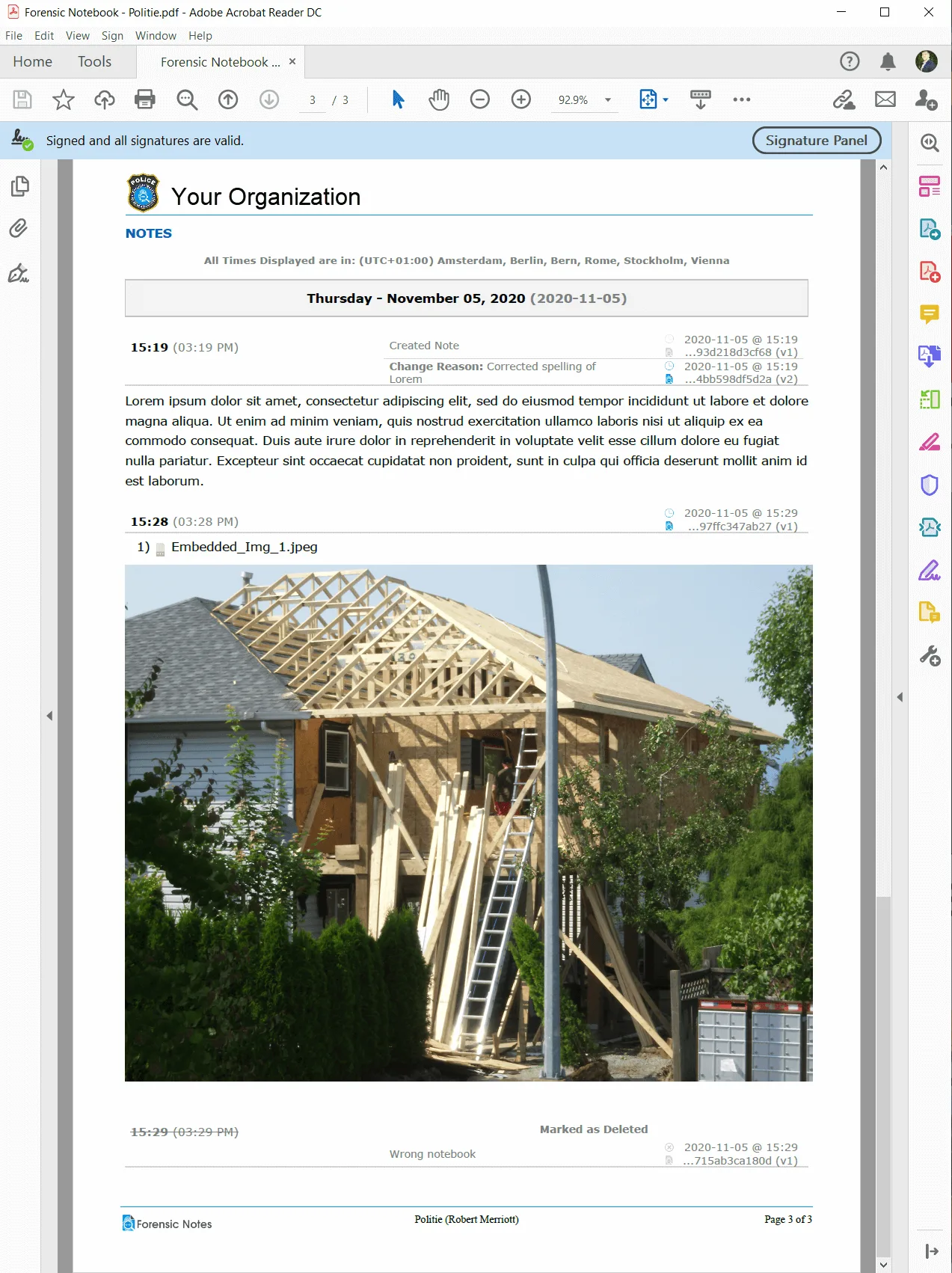
Write detailed investigation notes with a fully-featured rich text editor. Format text with bold, italic, underline, headings, bullet points, numbered lists, and tables. Insert images, links, and attachments directly into your notes for comprehensive documentation.
The editor is designed for speed and reliability. Whether you are documenting a brief observation or writing a multi-page report, the tools you need are always at your fingertips without getting in the way.
Auto-Save & Notebook Organization
Never worry about losing your work. Forensic Notes automatically saves your notes as you type, protecting you from unexpected interruptions, browser crashes, or connectivity issues. Every change is preserved the moment you make it.
Organize your notes into notebooks that mirror your workflow. Create separate notebooks for different cases, investigation phases, or team members. Move notes between notebooks, create sub-categories, and maintain a clean, logical structure that scales with your workload.
Powerful Search Functionality
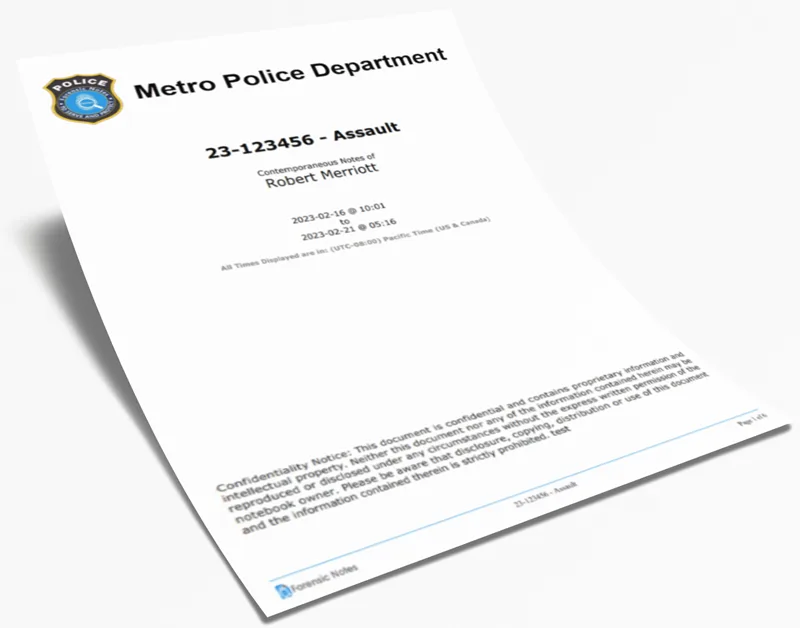
Find any note instantly with full-text search across all your notebooks. Search by keywords, dates, tags, or content to locate exactly what you need in seconds, even across thousands of notes.
Advanced filters let you narrow results by notebook, date range, author, or tag. Whether you need to recall a specific detail from an interview or locate all notes related to a particular subject, search puts your entire knowledge base at your fingertips.
Key Benefits
Start Organizing Your Investigation Notes
Try Forensic Notes free and discover a better way to manage your documentation.