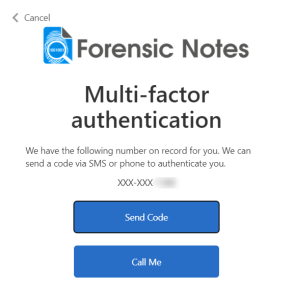
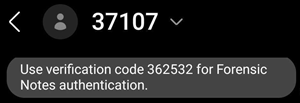
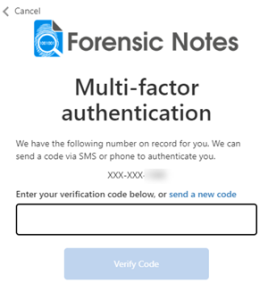
Set Up Multi-Factor Authentication
For an added layer of security, multi-factor authentication (MFA) is always enabled on all Forensic Notes accounts.
To avoid signing in every time:
- Use a non-social account
- Check the "Keep Me Signed In" option
This will allow you to remain logged in and avoid MFA and username/password requirements.
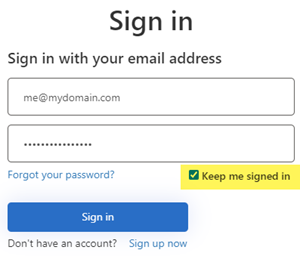
Keep Me Signed In: This option should ONLY be checked on devices that are properly secured and not shared with other users.
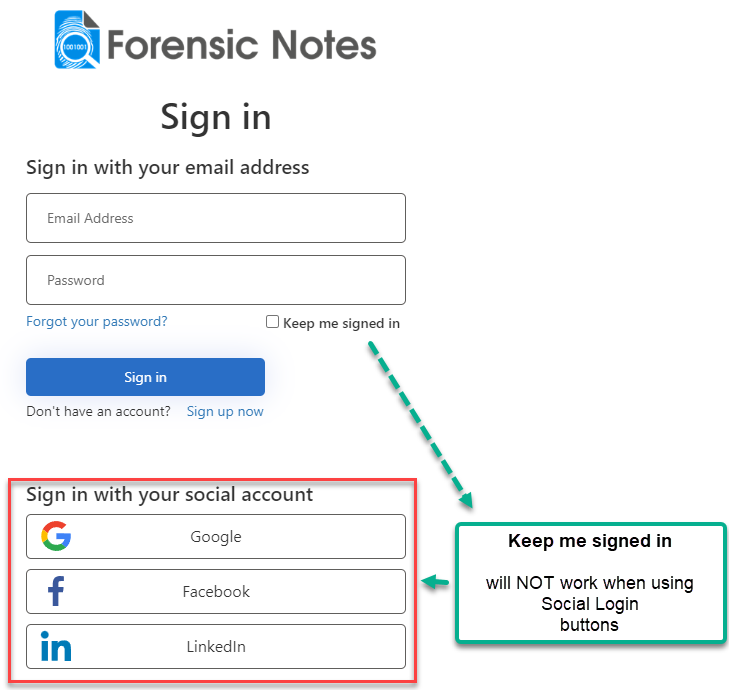
Social Logins - Keep Me Signed In
"Keep Me Signed In" option does NOT work with Social Logins. But it will work with accounts created using a Gmail email and password.
How MFA Works
- You'll need access to your mobile phone when you sign in to Forensic Notes
- You'll enter a verification code and your password each time you sign in
- You can choose to send your verification code by text message or phone call