
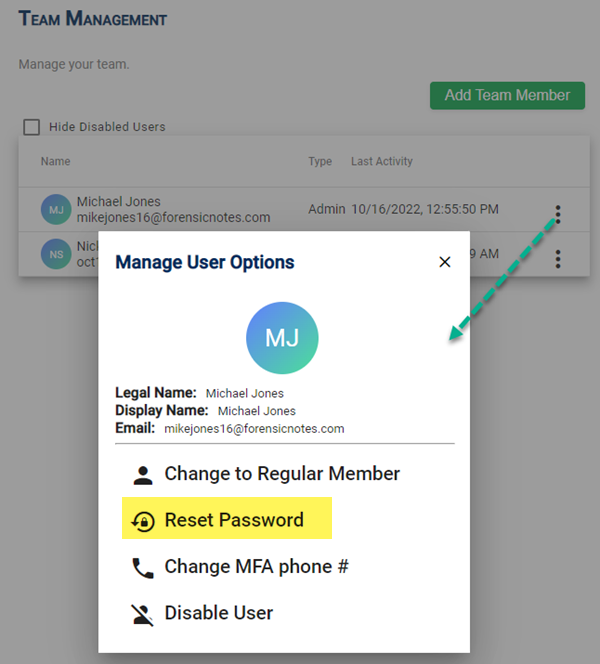
Admins have the ability to manage all team members in the "Team Management" section. This includes the ability to reset passwords.

Step 1: Select Reset Password
Step 2: Confirm Password Reset
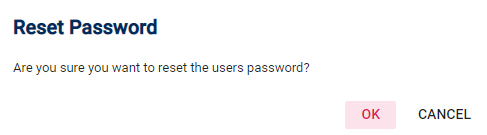
Confirm that you want to reset the user's password.
What Happens Next
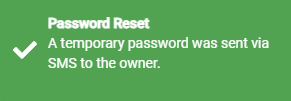
The user's password will be reset. A new temporary password will be sent to the user via Text Message. They will need to use this password the next time they log in to Forensic Notes.
When they log in, they will be required to change their password to a more secure password.

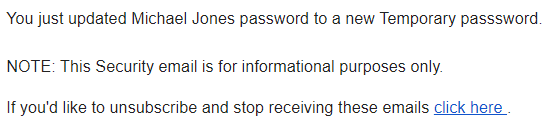
Also, the user will receive an email advising them of the password reset. This not only notifies the user, but also allows them to verify that the phone number is correct.
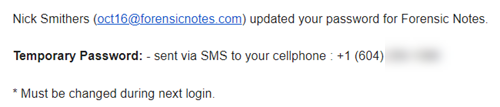
All Admin users will also be notified of the Password Reset for security purposes.
Password Security: At no time is the password ever made available to any Admins within the system. The new temporary password is only visible to the user via text message.