
The Entity section lists all "Person" records added to notes using the "Add Specialized Note > Person Entity" option.
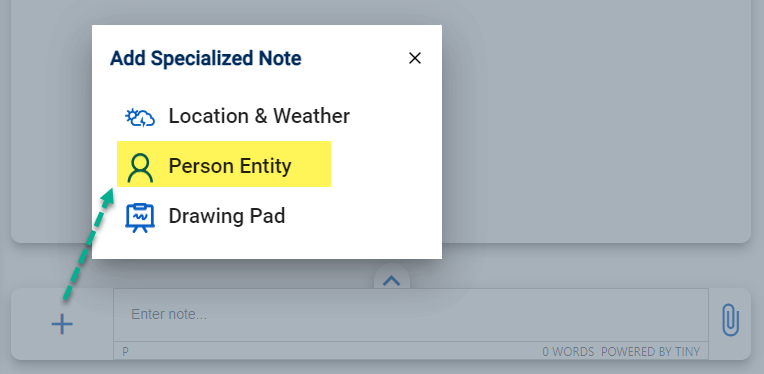
This allows you to see all entities entered into the application and find the note where it was entered.
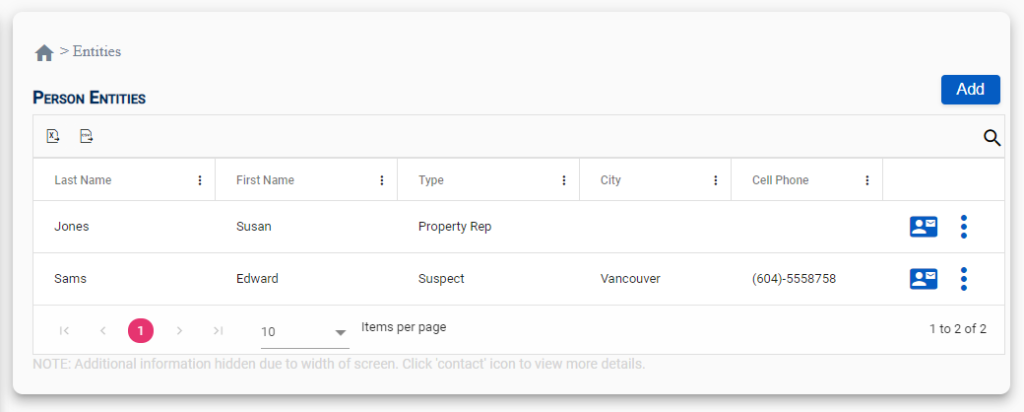
Menu Options
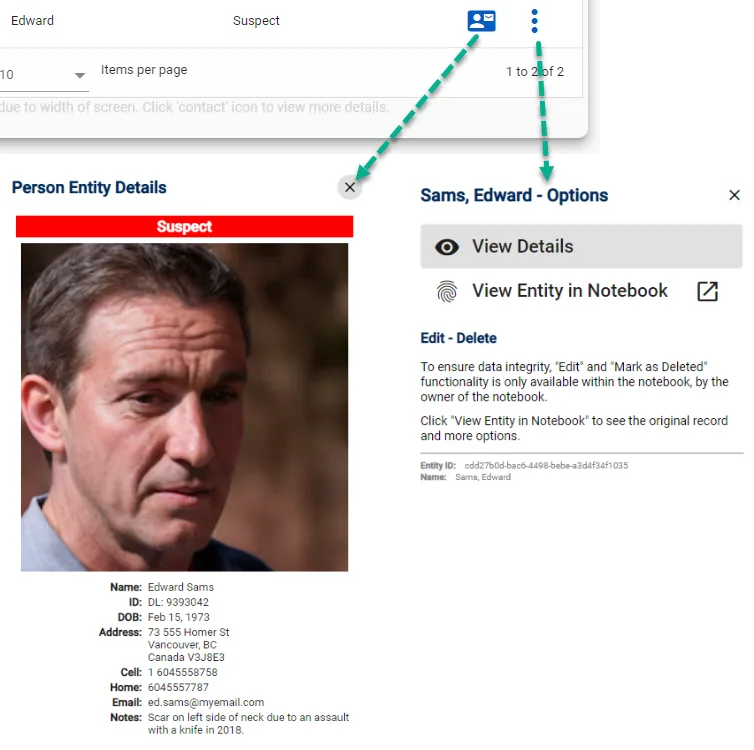
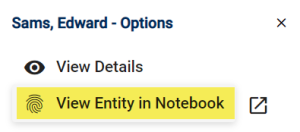
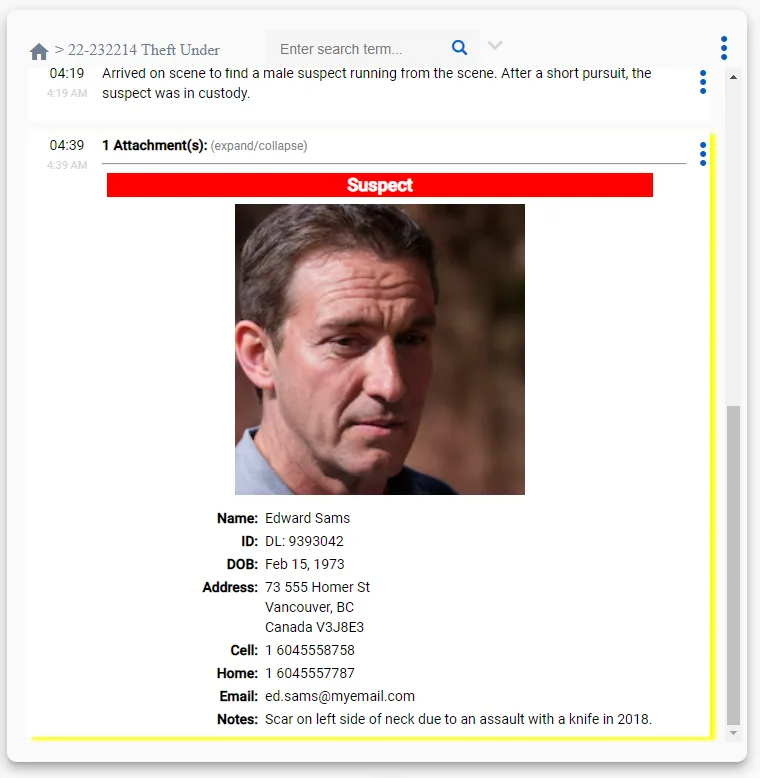
View Entity in Notebook
If you click on "View Entity in Notebook", the app will open the notebook and scroll to the latest version of the entity. The note will also be highlighted with a yellow border allowing you to find the information you need.
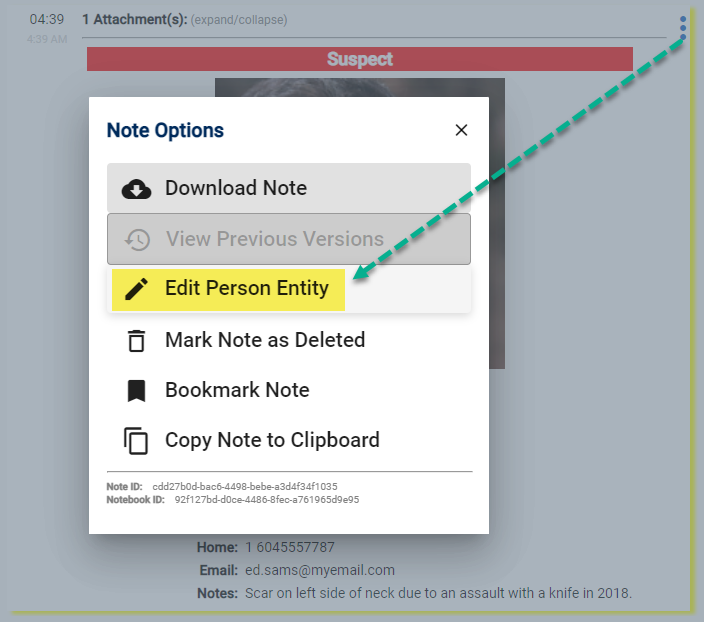
Edit Entity
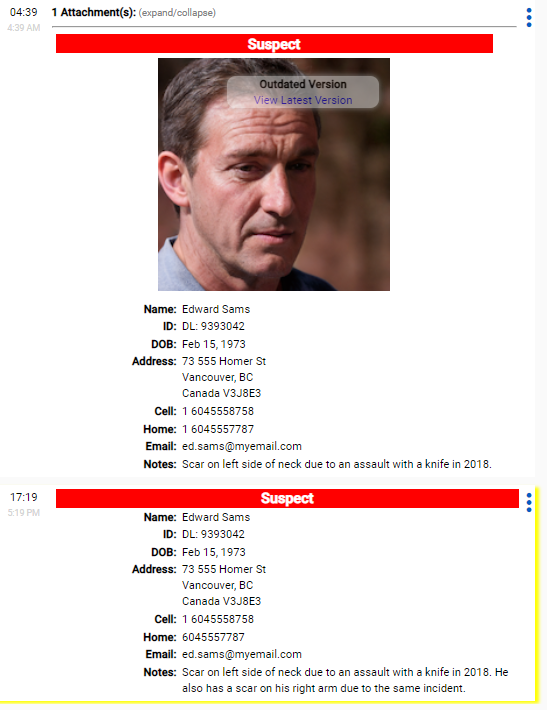
When you "Edit" an entity, the original information remains while a new note is created that will include any of the changes made.
This allows you to know what information you knew at the time of the note while still allowing the entity to be updated.
Example: If you look at the following edited entity, you can see that the author of the note was not aware of the scar on Edward's right arm until later in the day at 1719 hrs.
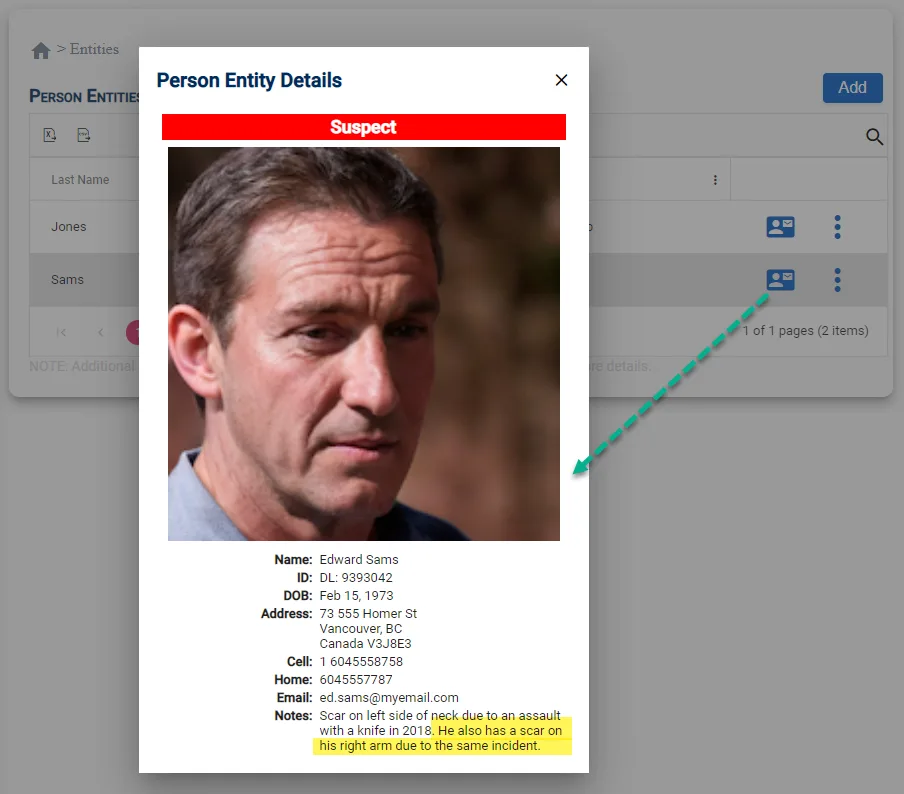
If you return to the Entities page, Edward's record will be updated to include the latest information.
Only Owner Can Edit: Documenting how and when information is obtained about a person is essential to ensure full disclosure. For this reason, only the owner of an Entity can make changes to the original record in the notebook where it was created.