
A Person entity can be added as a specialized note. When added, the entity will also show up in the "Entities" section available on the main side menu.
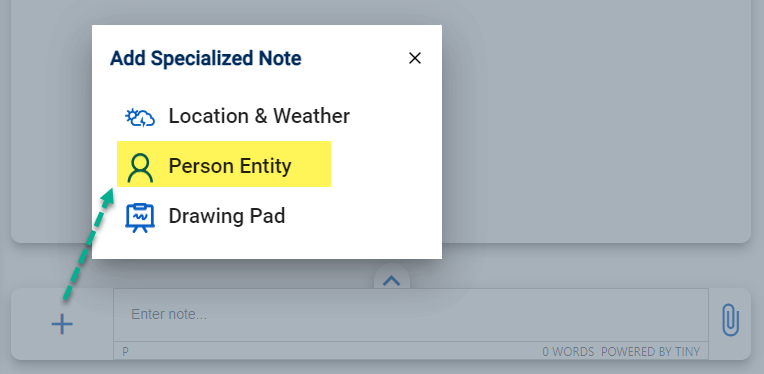
To add an entity, go to: "Add Specialized Note > Person Entity".
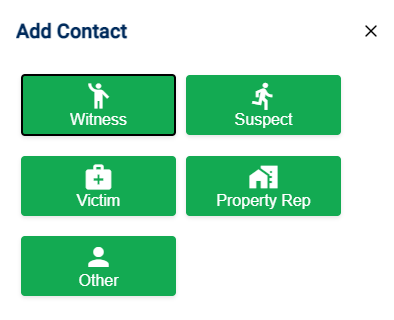
Step 1: Select Entity Type
Select the type of Entity you want to add.
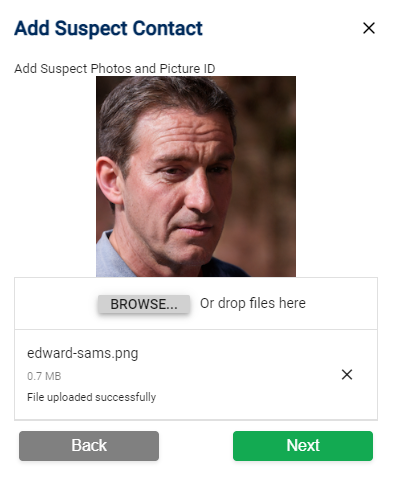
Step 2: Upload Images
Upload one or more images of the person. This can include a picture of the person (if legally allowed) or pictures of their ID.
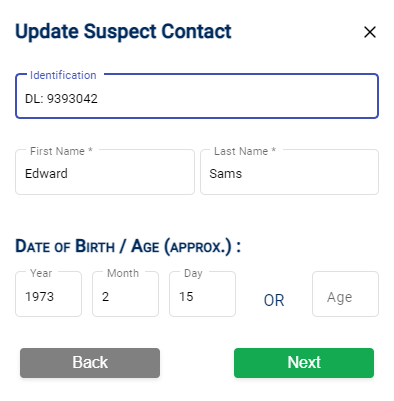
Step 3: Enter Details
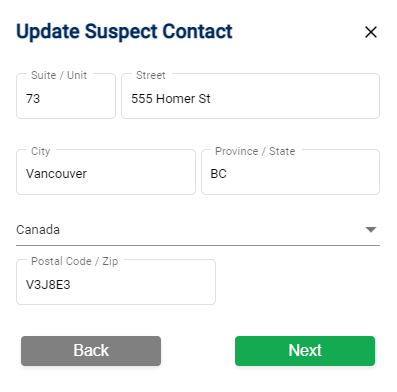
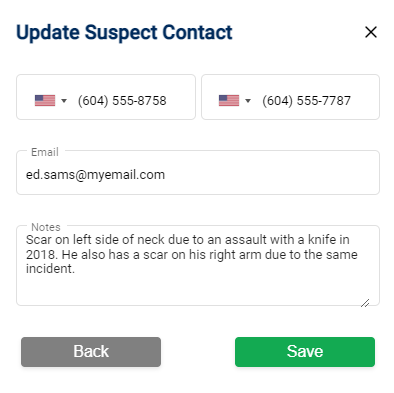
Editing an Entity
When you edit an entity, Forensic Notes will create a new note to document the changes you made.
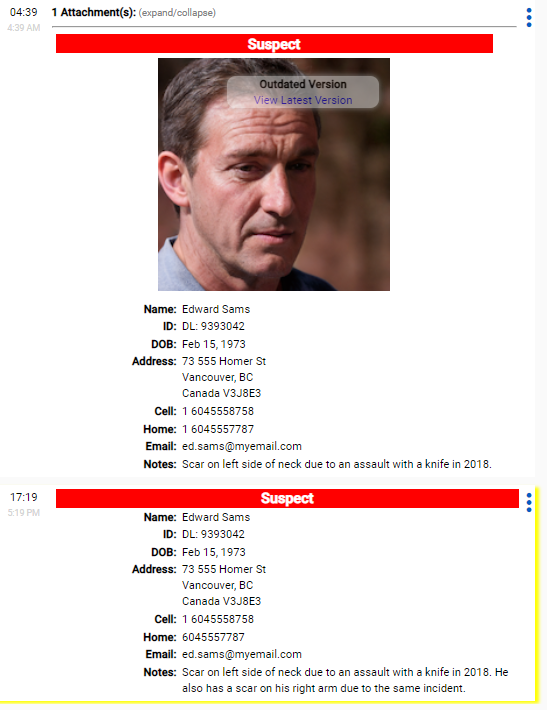
Example: If you look at the following edited entity, you can see that the author of the note was not aware of the scar on Edward's right arm until later in the day at 1719 hrs.
Only Owner Can Edit: Documenting how and when information is obtained about a person is essential to ensure full disclosure. For this reason, only the owner of an Entity can make changes to the original record in the notebook where it was created.