Notebooks that you have created will be displayed in the My Notebooks section and have the option to quickly add notes and attachments.
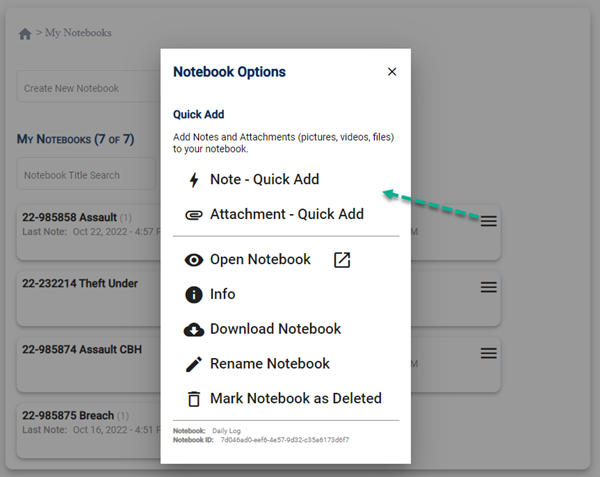
Quick Add
Add notes and attachments (pictures, videos, files) to your notebook without opening the notebook.
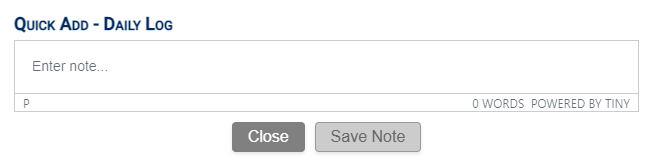
Note - Quick Add
Full function editor allowing you to add formatted notes or use templates (ALT+T).
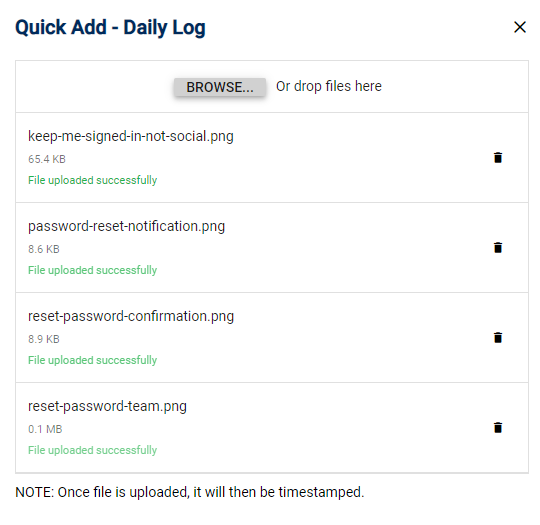
Attachment - Quick Add
You can drag/drop images, browse your hard-drive or take a picture or video without needing to load the notebook. This feature allows you to quickly add notes when in a hurry.
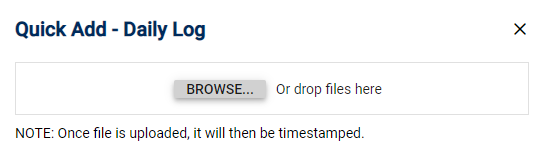
Attachments will upload and automatically be added to the notebook selected.
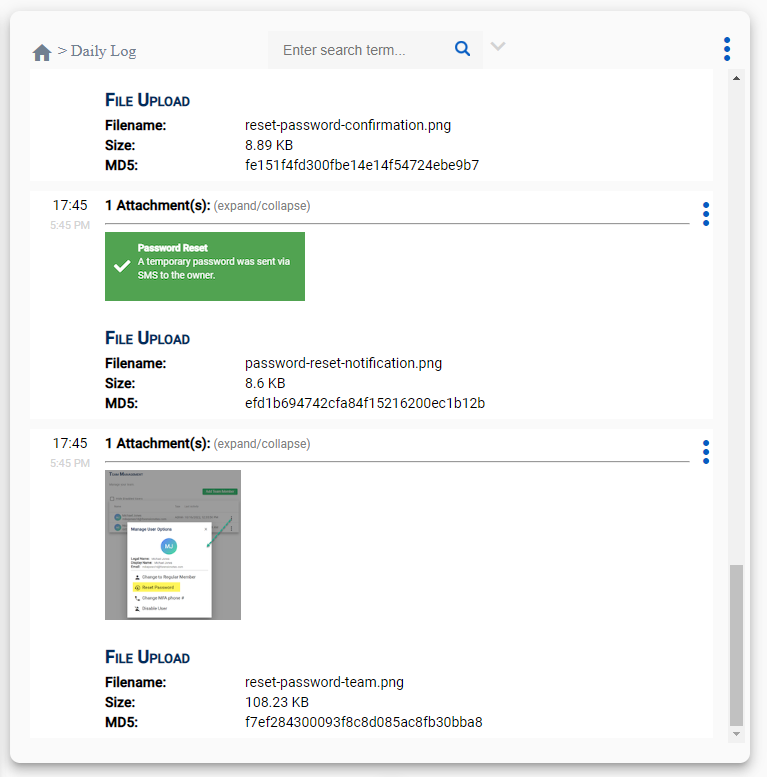
Now if you go into your notebook, you will see the attachments you added with the Quick Add feature.